

So since I will be using a lot of image data, I will move on to Tensorflow to harness the power of GPU however, no worries, we will implement all of our back propagation. (Also compare the final results with auto differentiation). Now due to midterms I wasn’t able to do much, so I thought of simple Convolutional Residual Neural Networks.
Finally, for fun let’s use different types of back propagation to compare what gives us the best results. The different types of back propagation that we are going to use are….
NOTE: All of the DICOM images are from Cancer Image Archive Net, if you are planning to use the data please check with their Data Use-age policy. Specifically I will use DICOM images from Phantom FDA Data Set.
Residual Block


Red Circle → Input to Residual Block
Green Circle → Convolution Operation on Input
Blue Circle → Activation Function Applied after Convolution operation
Black Circle → Applying Residual Function after Activation Layer and passing on the value to the next block. (This makes a direct connection between the input and the calculated values.)
Before diving into Network architecture, I’ll go into explaining Residual blocks for our networks. Our Network will have Residual Blocks and inside those layers will look something like above. Also there is one very important thing I wish to note here.
The Residual Function can be either 1. Multiplication 2.Addition 3. Mixture of both.
So with that in mind, lets look at the code, below is a screen shot of Residual Block with Multiplication as Residual Function.

Network Architecture / Feed Forward Operation


Black Square → Input Image of CT Lung Scan with Noise
Pink Square → Output Image of Denoised CT Lung Scan
Other Blocks → Residual Block with different number of channel
So the feed forward operation is very straight forward and easy to understand, there is nothing out of the ordinary.
Residual Function 1 2


As seen above, (also as I mentioned) we can either use multiplication or addition or combination of both. For this experiment I will either use multiplication or addition with multiplication.
Standard / Dilated Back Propagation


Yellow Arrow → Standard Gradient Flow
Every Other Color Arrow → Dilated Gradient Flow
Here we are going to use Dilated Back Propagation, to see how that affects the overall denoising operation. And compare it with auto differentiation back propagation.
Case 1: Residual Function 1 with Manual ADAM Back Propagation
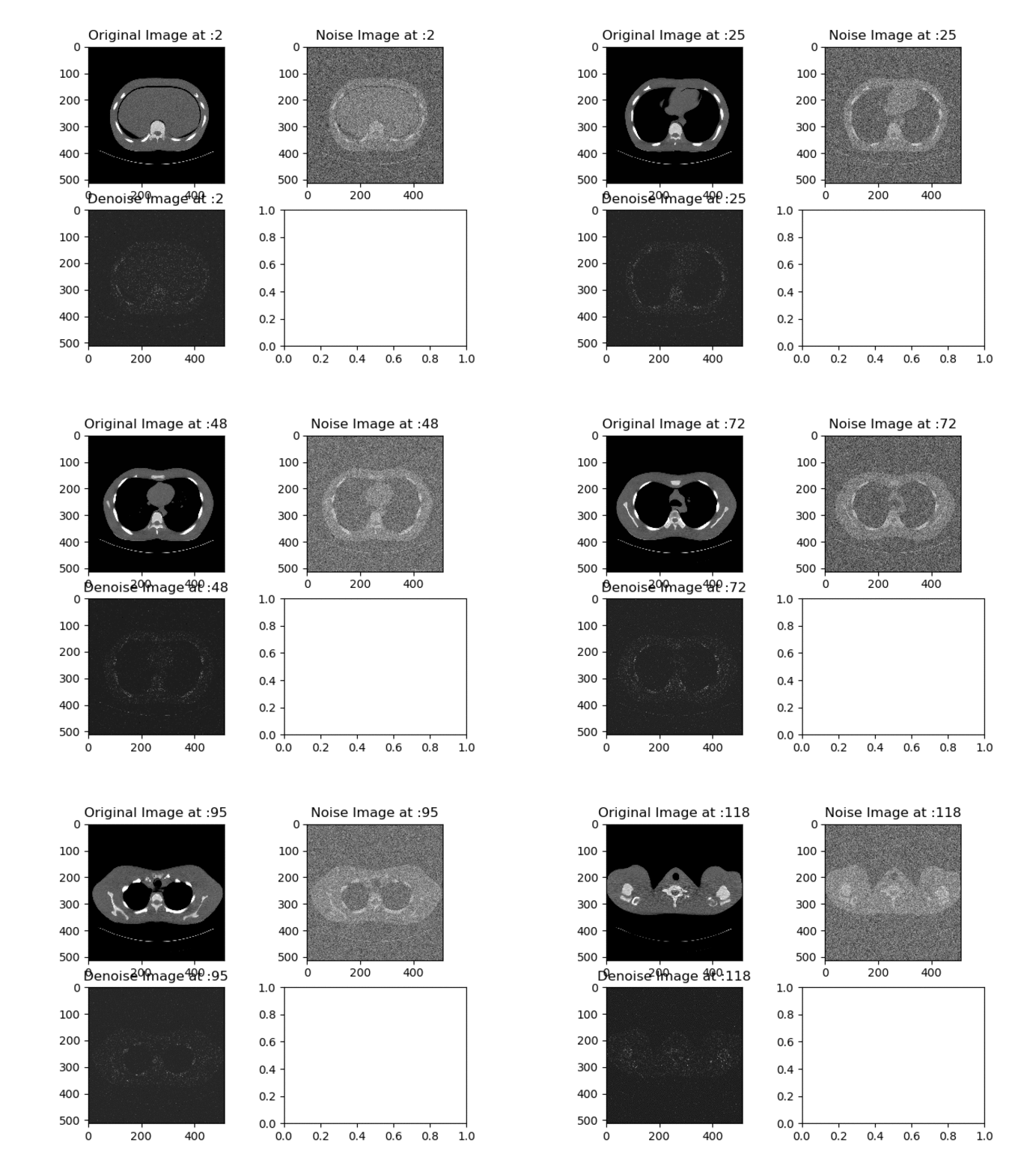


Here I used Residual Function 1 coupled with standard manual back propagation with ADAM optimizer. The network seems to filter out the noise, however the overall image loses too much information.
Also please take note each GIF had different number of channels or activation functions to see all of them please click here, to my Github Page.
Case 2: Residual Function 2 with Manual ADAM Back Propagation
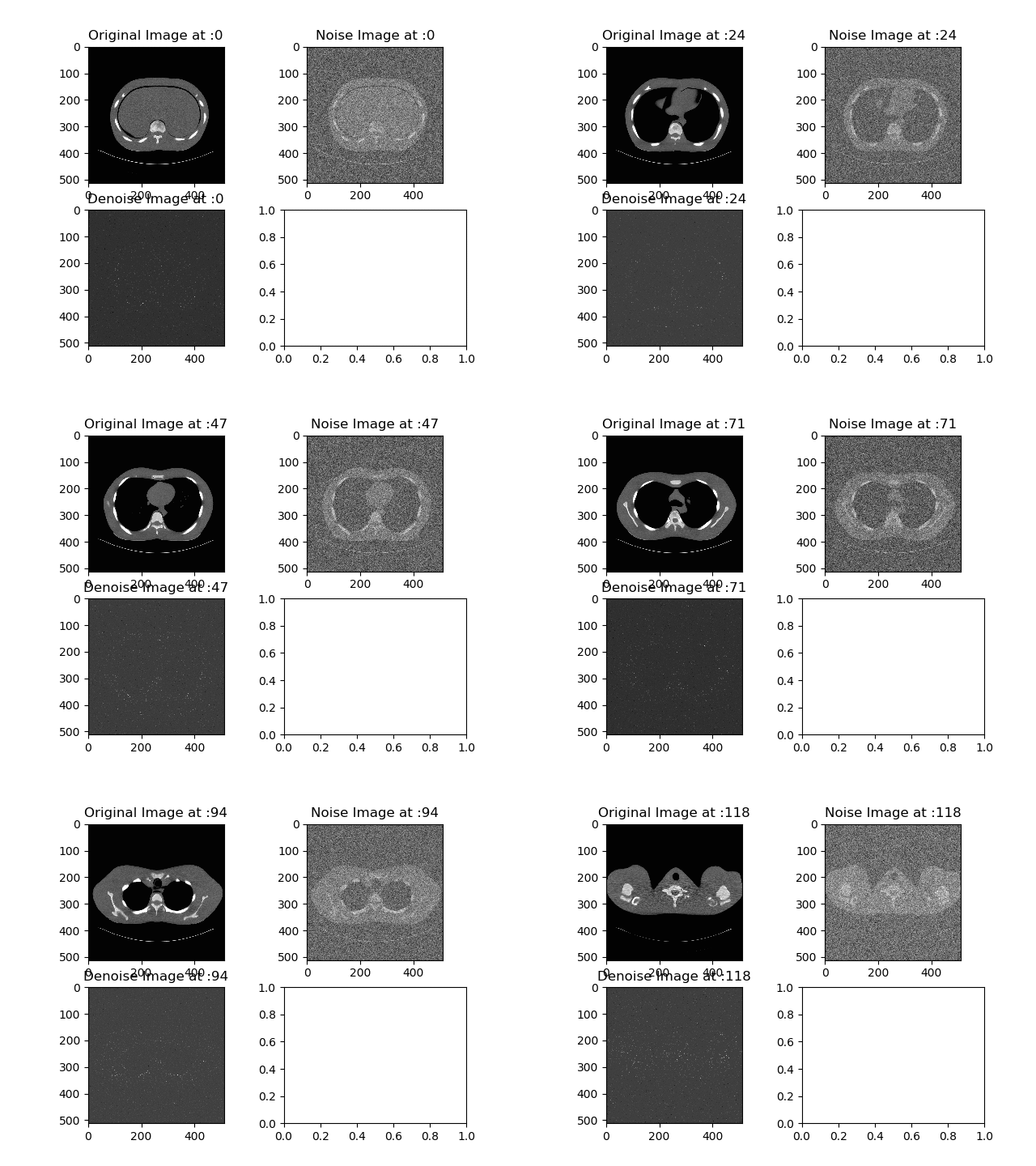


Here I used Residual Function 2 with standard manual back propagation with ADAM optimizer. I would consider this case to be a total failure, since the ‘denoised’ version of the image is just pitch black.
Also please take note each GIF had different number of channels or activation functions to see all of them please click here, to my Github Page.
Case 3: Residual Function 2 with Manual Dilated ADAM Back Propagation
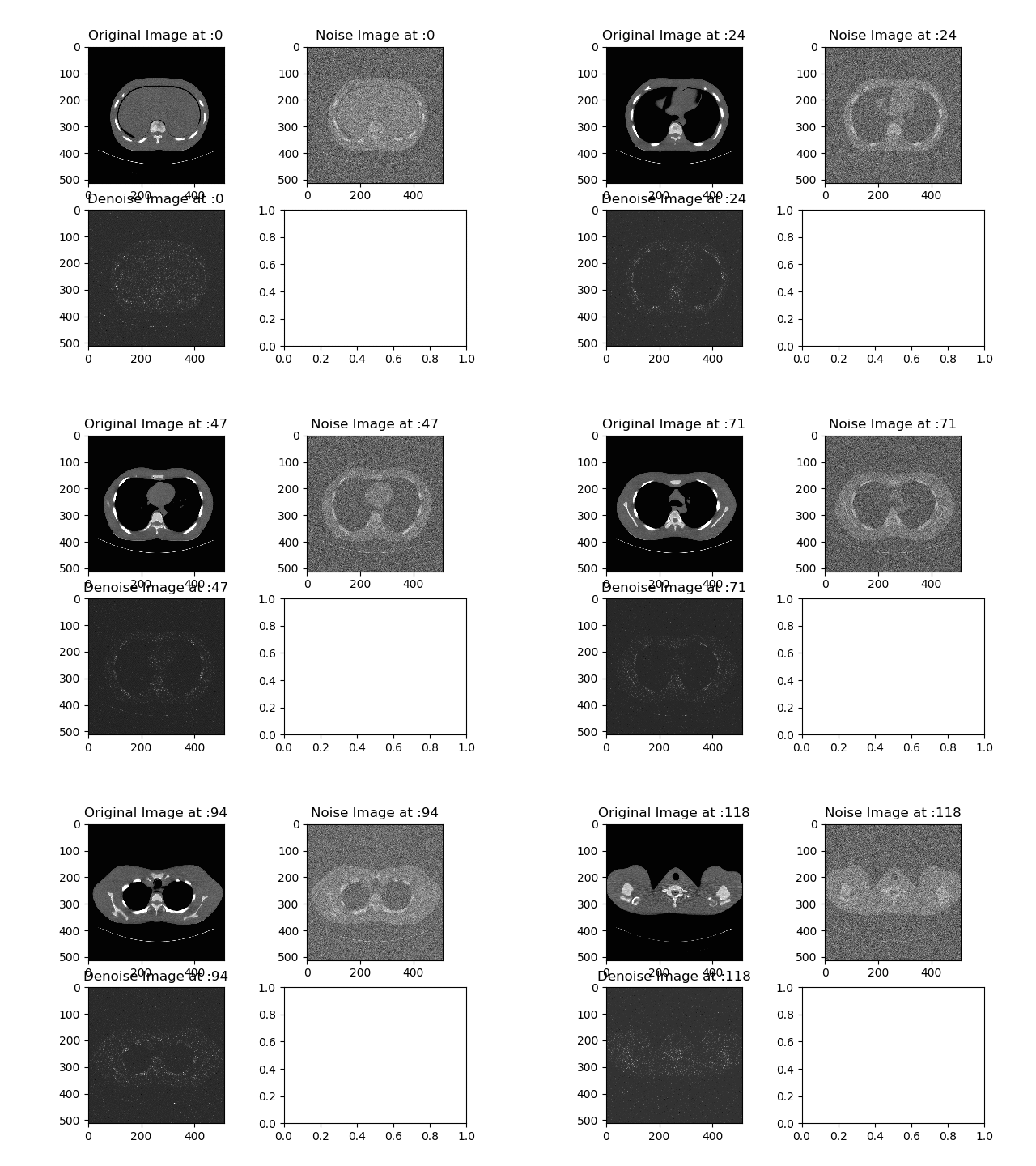
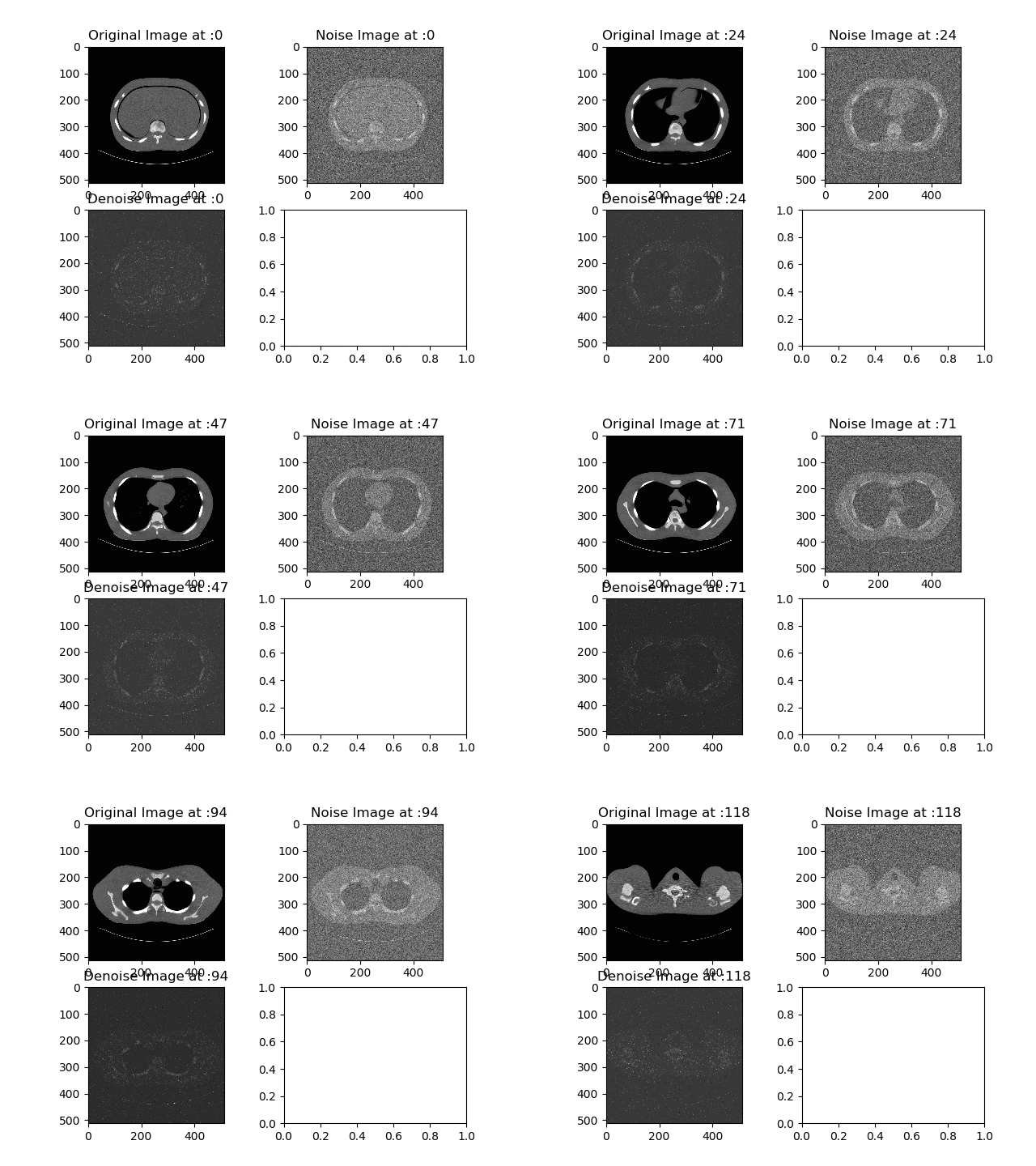
Here I used Residual Function 2 with Densely Connected Dilated Back Propagation. Now the very bottom GIF seems to have a fairly good result. Only thing is again, the image lost so much of information to be ever useful.
Also please take note each GIF had different number of channels or activation functions to see all of them please click here, to my Github Page.
Case 4: Residual Function 2 with Auto Differential Back Propagation

Strangely, when letting Tensorflow do the back propagation for us. It seemed like the model didn’t do anything. Rather strange behavior, or I did something wrong. (If you find a mistake in my code please comment down below.)
Also please take note each GIF had different number of channels or activation functions to see all of them please click here, to my Github Page.
Interactive Code

I moved to Google Colab for Interactive codes! So you would need a google account to view the codes, also you can’t run read only scripts in Google Colab so make a copy on your play ground. Finally, I will never ask for permission to access your files on Google Drive, just FYI. Happy Coding!
To access codes for Case 1, please click here.
To access codes for Case 2, please click here. (Note I was not able to allocate enough memory on Google Colab, so I wasn’t able to train online.)
To access codes for Case 3, please click here.(Note I was not able to allocate enough memory on Google Colab, so I wasn’t able to train online.)
To access codes for Case 4, please click here. (Note I was not able to allocate enough memory on Google Colab, so I wasn’t able to train online.)
Update: March 1st → So I forgot to normalize the final output LOL sorry this is such an amateur mistake. That is why the images look so black. My supervisor have advice to look this up. With proper normalization I was able to achieve results with Dilated Back Propagation.

Final Words
Before this I actually tried different models such as Vanilla GAN, Auto Encoder GAN and All Convolutional GAN, however none of them actually had a good result. But I’ll try those things out with Residual Blocks.
If any errors are found, please email me at jae.duk.seo@gmail.com, if you wish to see the list of all of my writing please view my website here.
Meanwhile follow me on my twitter here, and visit my website, or my Youtube channel for more content. I also did comparison of Decoupled Neural Network here if you are interested.
Reference
- What does tf.nn.conv2d do in tensorflow? (n.d.). Retrieved February 26, 2018, from https://stackoverflow.com/questions/34619177/what-does-tf-nn-conv2d-do-in-tensorflow
- Writing piece-wise functions in TensorFlow / if then in TensorFlow. (n.d.). Retrieved February 26, 2018, from https://stackoverflow.com/questions/37980543/writing-piece-wise-functions-in-tensorflow-if-then-in-tensorflow
- “tf.cast | TensorFlow”, TensorFlow, 2018. [Online]. Available: https://www.tensorflow.org/api_docs/python/tf/cast. [Accessed: 26- Feb- 2018].
- TensorFlow TypeError: Value passed to parameter input has DataType uint8 not in list of allowed values: float16, float32. (n.d.). Retrieved February 26, 2018, from https://stackoverflow.com/questions/44822999/tensorflow-typeerror-value-passed-to-parameter-input-has-datatype-uint8-not-in
- Pylab_examples example code: subplots_demo.py¶. (n.d.). Retrieved February 28, 2018, from https://matplotlib.org/examples/pylab_examples/subplots_demo.html
- [3]”tf.nn.conv2d_backprop_filter | TensorFlow”, TensorFlow, 2018. [Online]. Available: https://www.tensorflow.org/api_docs/python/tf/nn/conv2d_backprop_filter. [Accessed: 28- Feb- 2018].
- “tf.nn.conv2d_backprop_input(input_sizes, filter, out_backprop, strides, padding, use_cudnn_on_gpu=None, data_format=None, name=None) | TensorFlow”, TensorFlow, 2018. [Online]. Available: https://www.tensorflow.org/versions/r1.0/api_docs/python/tf/nn/conv2d_backprop_input. [Accessed: 28- Feb- 2018].
- How to permutate tranposition in tensorflow? (n.d.). Retrieved February 28, 2018, from https://stackoverflow.com/questions/38517533/how-to-permutate-tranposition-in-tensorflow
 Data Science Repository